What steps can I take to hide P.Price from shop employees? How should I manage this?
Please login to GoCreate Admin.
a) Navitage to Shop Employee screen under Shop Menu.
b) Search for the shop employee for whom we need to disable the PPrice settings.
c) Edit the record via Action menu.
d) Un-check the setting “show PPrice”.
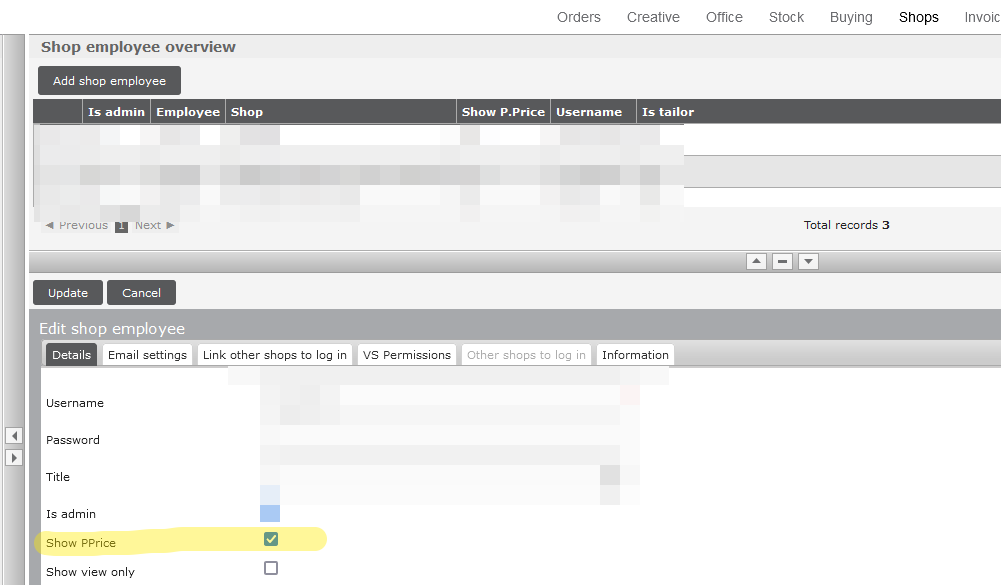
e) Please log out and log back in to see the updated changes.
OR
You can also get in touch with your COS to get this arranged.